
ChatGPT Shopping Adds Virtual Try-On and Saved Products
OpenAI updated its official ChatGPT shopping guidance on 31 October 2026. The page now explains virtual try-on for clothing and accessories, reusable reference photos, and saved product collections in the ChatGPT Library. It also gives clearer detail on how products, merchants, prices, labels, and review summaries are selected.
The functions are available on ChatGPT mobile and web, according to the help page. OpenAI does not provide a country list, rollout percentage, traffic study, or merchant performance dataset. Availability can therefore vary by account and product category. The update should not be treated as a guarantee that a product will appear or that a virtual preview will match real fit.
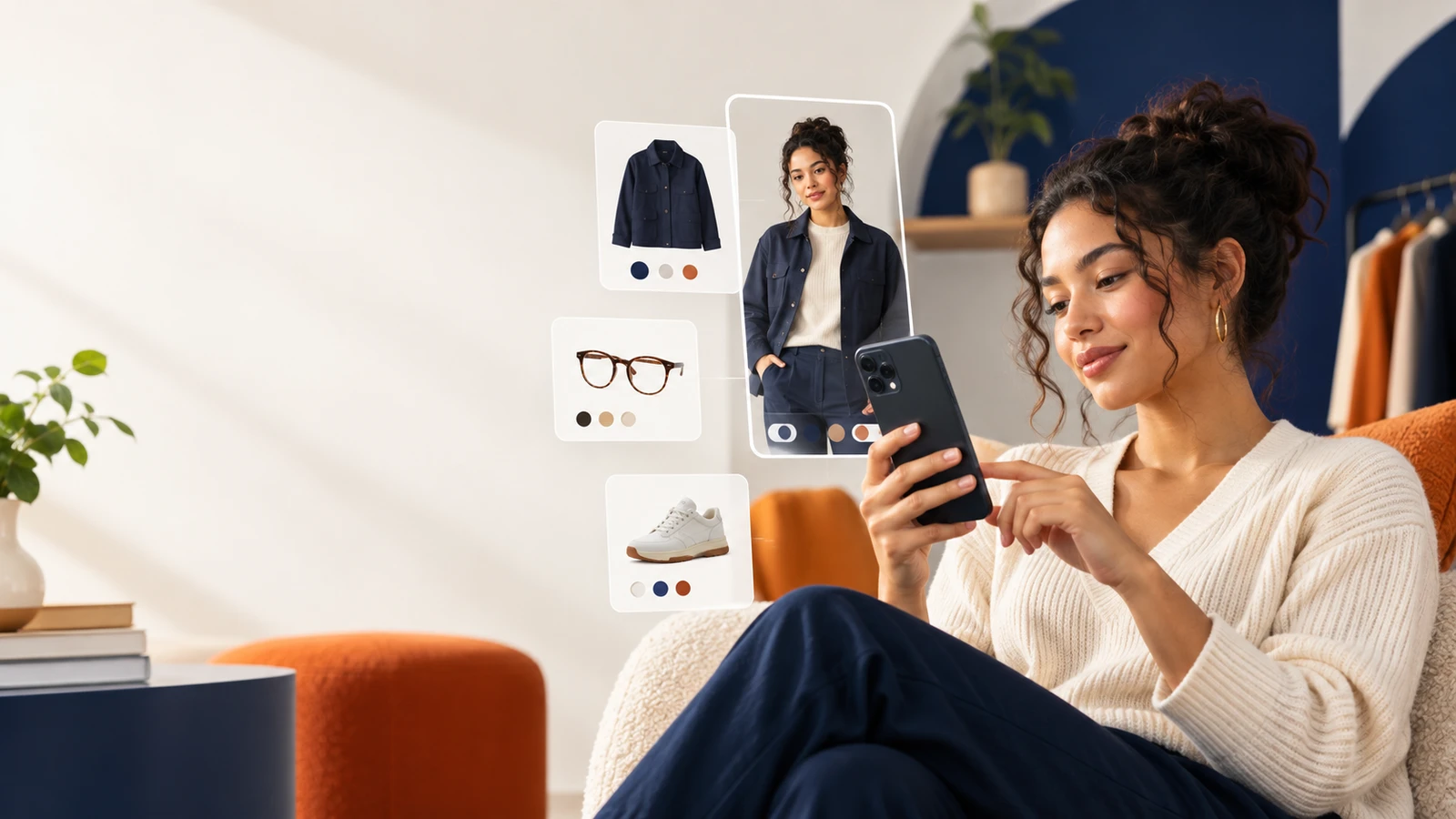
What the virtual try-on does
A Try on button can appear on clothing and accessory listings. A shopper takes or uploads a selfie, then ChatGPT Images creates a visual preview. A user can also upload a product image in a conversation and ask to see how it might look.
Reference photos can be saved for future try-ons and managed in Settings under Personalization. Products can also be bookmarked in Favorites or organised into folders in the ChatGPT Library. This moves product discovery beyond a single query: shoppers can compare, save, revisit, and refine options over several sessions.
How products and merchants are selected
OpenAI states that shopping results are not ads and are not influenced by partnerships. Ads are separate. Product selection can consider the query, conversation context, Memory, Custom instructions, structured product data, third-party content, and OpenAI policies. Not every available product is shown.
Merchant ordering can consider availability, price, quality, and whether the seller is the maker or primary merchant. Product titles and descriptions may be simplified. Labels such as “Budget-friendly” and review summaries can be model-generated. OpenAI explicitly says these labels are not guarantees, reviews are not verified by OpenAI, and displayed prices can lag behind merchant updates.
What ecommerce teams should check
- Keep product titles, descriptions, images, variants, prices, stock, shipping, and return information current and consistent.
- Use structured data that matches the visible product page. Do not publish conflicting prices or availability.
- Provide precise size charts, garment measurements, materials, care instructions, and colour names.
- Use clear, high-quality product images that show the real item from useful angles.
- Review claims such as “best price” or “most popular” on your own site and avoid unsupported superlatives.
- Test the full journey from discovery to the landing page, variant selection, checkout, and returns.
OpenAI also points merchants to direct Product Feed documentation. Shopify merchants are described as already integrated through Shopify Catalog, while other eligible merchants can apply for direct feed access. A feed can improve freshness, but it does not promise visibility or ranking.
The practical lesson is simple: conversational shopping still depends on dependable product data and a trustworthy landing page. Virtual previews can support exploration, but final purchase decisions require accurate merchant information. For help reviewing product feeds and ecommerce discovery, see our ecommerce services.
Source and scope
- OpenAI Help Center: Shopping with ChatGPT Search, updated 31 October 2026; accessed 1 November 2026.