
Google Clarifies URL Word Separators: When to Use Hyphens
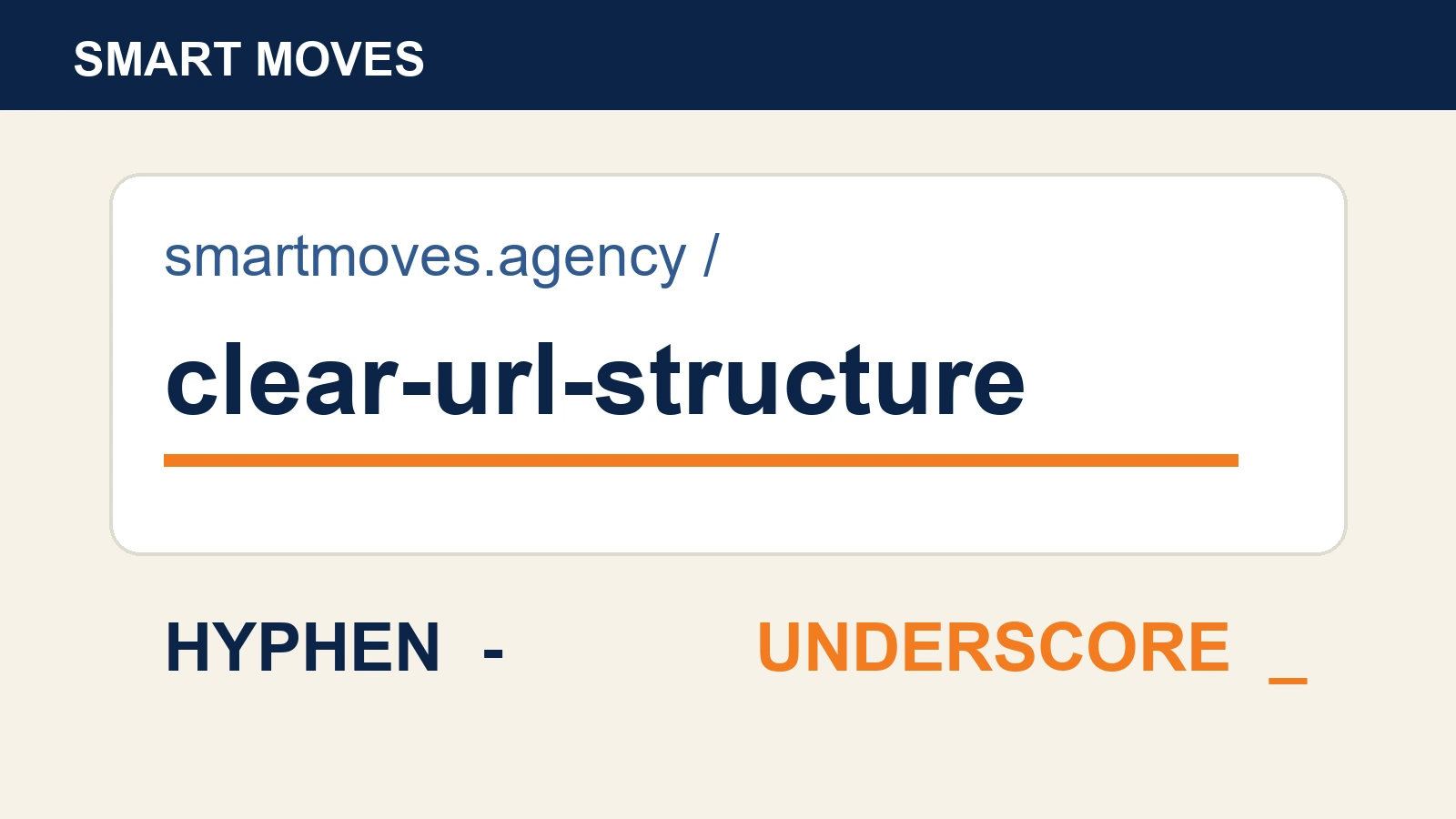
Google Search Central added a documentation update on 23 October 2026 to clarify how words should be separated in URLs. The guidance recommends hyphens rather than underscores. A hyphen clearly tells Google and readers where one word ends and another begins. An underscore has historically been used to keep terms together.
This is a documentation clarification. Google did not announce a new ranking system, a penalty for underscores, or a measurable traffic gain from changing a URL. There is no experiment, sample, country rollout, or performance dataset behind the update. Treat it as a rule for clean URL design, especially when creating new pages.
What the guidance means for new URLs
Use short, descriptive words that explain the page. Separate those words with hyphens. For example, /technical-seo-audit/ is easier to scan than a string with underscores, spaces, or unrelated parameters. Google also recommends using the language of the audience. A Turkish page can use readable Turkish words in its path, while an English page can use English words.
Keep paths predictable across the site. Lowercase URLs reduce accidental duplicates on servers that treat uppercase and lowercase as different addresses. Avoid session identifiers and unnecessary parameters. If filters or faceted navigation create many combinations, decide which versions should be crawlable and canonical.
Should you change an existing underscore URL?
Start with the reason for the change. If the page is already indexed, receives links, and works correctly, the separator clarification alone is usually not enough to justify a mass migration. Changing a URL creates a new address. Search engines must process the redirect, revisit internal links, and consolidate signals.
If a broader redesign requires a URL change, map every old address to its closest new address with a permanent redirect. Update internal links, canonical tags, XML sitemaps, structured data references, analytics settings, and paid campaign destinations. For multilingual pages, update reciprocal hreflang links so each language version points to the new URLs.
A practical audit for marketing teams
First, check templates that create product, category, campaign, and blog URLs. Make hyphens the default for new slugs. Second, review CMS plugins and integrations that add tracking parameters or duplicate paths. Third, test canonical and hreflang output on a sample of pages before a release.
After any migration, monitor Google Search Console for crawl errors, indexing changes, and traffic to the affected page groups. Compare like-for-like periods and account for seasonality or campaign changes. A movement after a migration is an observation; it does not by itself prove that the separator caused the change.
What to do now
Adopt hyphens for new URLs and document the rule in your content workflow. Leave stable legacy URLs alone unless there is a wider, well-planned reason to change them. When a migration is necessary, treat redirects, internal links, canonical tags, hreflang, and sitemaps as one coordinated release.
For help reviewing URL templates and migration risks, see our SEO services.
Sources
- Google Search Central: Latest documentation updates, 23 October 2026.
- Google Search Central: URL structure best practices, page updated 21 October 2026.